
Run a Task on a Remote Daemon
This tutorial teaches you how to run one task on a remote machine. You will control the task from app.humanlayer.com on a machine or phone.
You do not need the HumanLayer desktop app. This path supports Linux and Windows hosts.
At the end, your coding agent will add one file to a Git repository on the remote machine.
Before you start
On the remote machine, you need:
- Git.
- A coding agent, such as Claude Code.
- An authenticated coding-agent session. For Claude Code, run
claude, and then run/login. - A clean Git repository for the test task.
You can install the GitHub CLI if you need to clone a repository. Install gh for your operating system. Then run gh auth login and gh repo clone <owner>/<repository>.
1. Generate a launch token
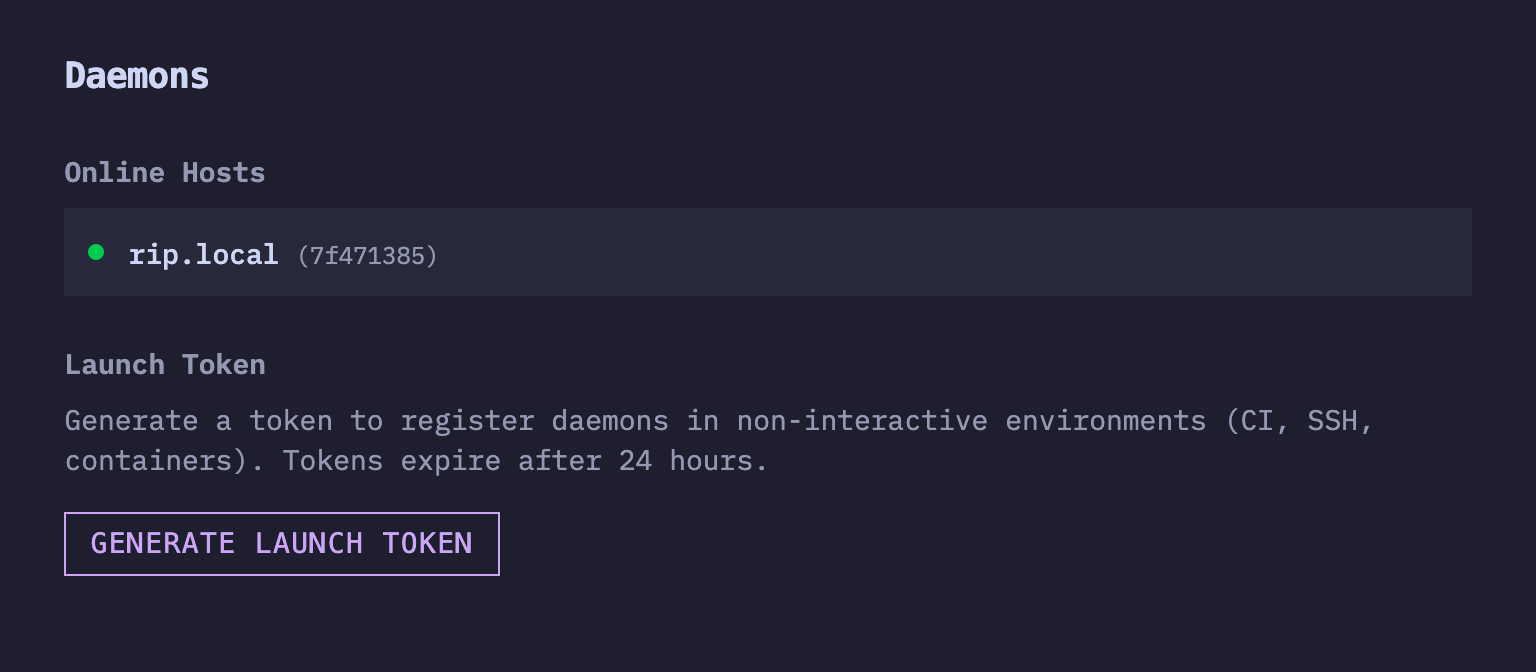
Open app.humanlayer.com. Go to Settings > Daemons. Select Generate Launch Token. Then copy the command.
2. Start the daemon
Connect to the remote machine with SSH. Run the copied command. You can run it from any directory.
The command installs the latest HumanLayer CLI. It then starts the daemon with your launch token.
Keep the terminal open. The Online Hosts list in HumanLayer shows the remote host after it connects.
This tutorial keeps the SSH session open. To keep the daemon running after you disconnect, use the remote daemon guide.
3. Create a task on the remote host
Return to app.humanlayer.com. Select Create Task.
Use these settings:
- Under Host, select the remote host from Online Hosts.
- Under Directory, enter the full path of the clean Git repository on that host.
- Keep INLINE selected under Issue Source.
- Enter
Create a file named remote-test.md. Add one line that says Remote daemon task complete. Do not change other files. - Under Workflow, select ONESHOT.
- Under Worktree(s), select NEVER.
- Select the coding agent that you authenticated on the remote host.
- Select Create Task.
HumanLayer opens the task page. The coding agent starts on the selected remote host.
4. Check the result
Wait for the session to finish. Check that remote-test.md exists in the repository on the remote host.
The file must contain:
Remote daemon task complete.Review the repository diff. The task must not change other files.
Open the task on app.humanlayer.com from a machine or phone. You can watch the work and send messages from the task page.
What you learned
You connected a remote machine with a launch token. You selected that host for one task and controlled the coding agent from the web app.
Next steps
Use the remote daemon guide for interactive login and long-running process setup. Read How remote daemons work for host, authentication, capability, and security details.
To use Now for remote worktree setup, enable Daemon-Driven Workspace Setup in Settings > Experiments.